giuliomoro Yea however, now that I moved to a prototype, it does not want to work combining midiusb.h lol
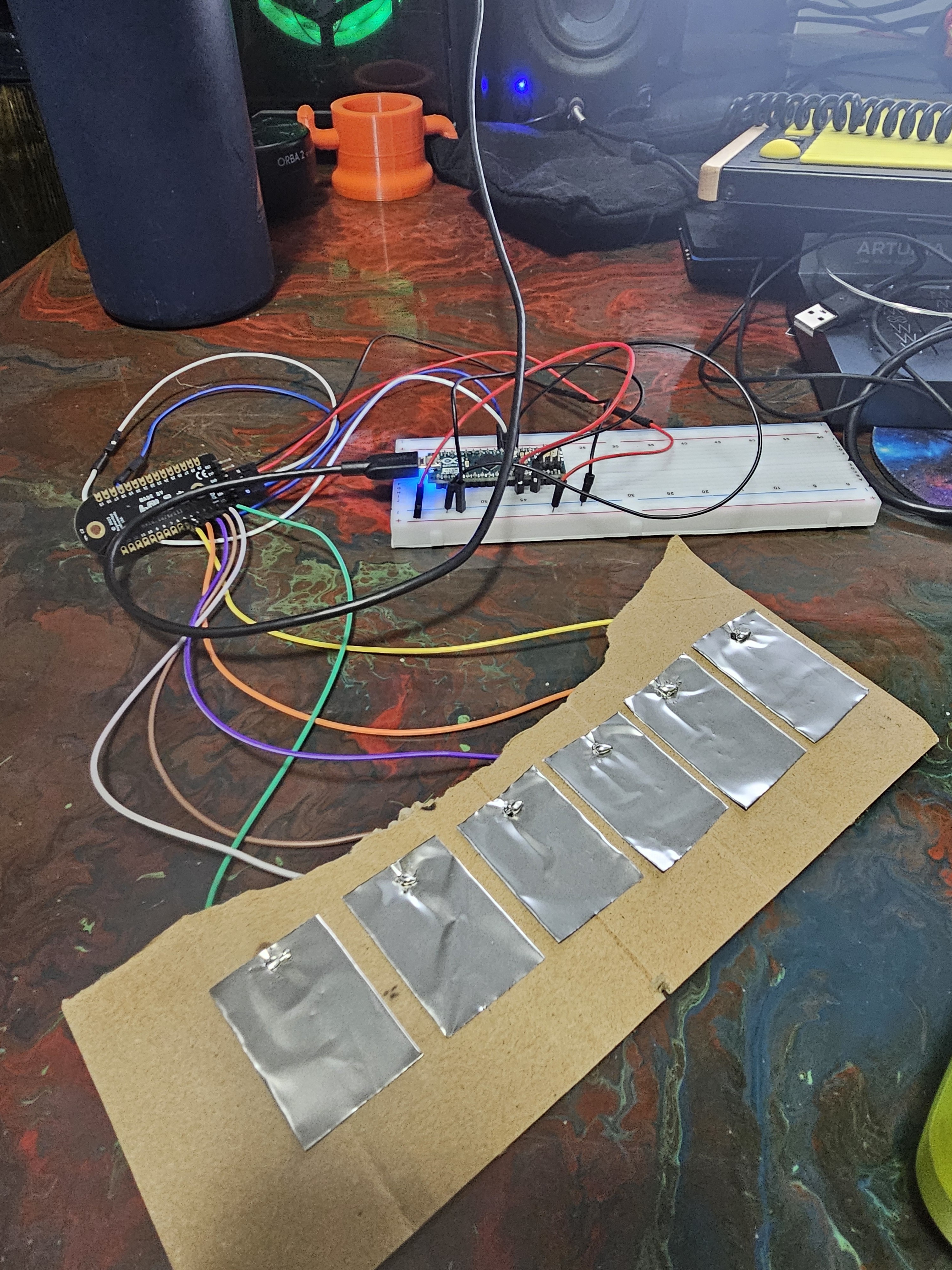
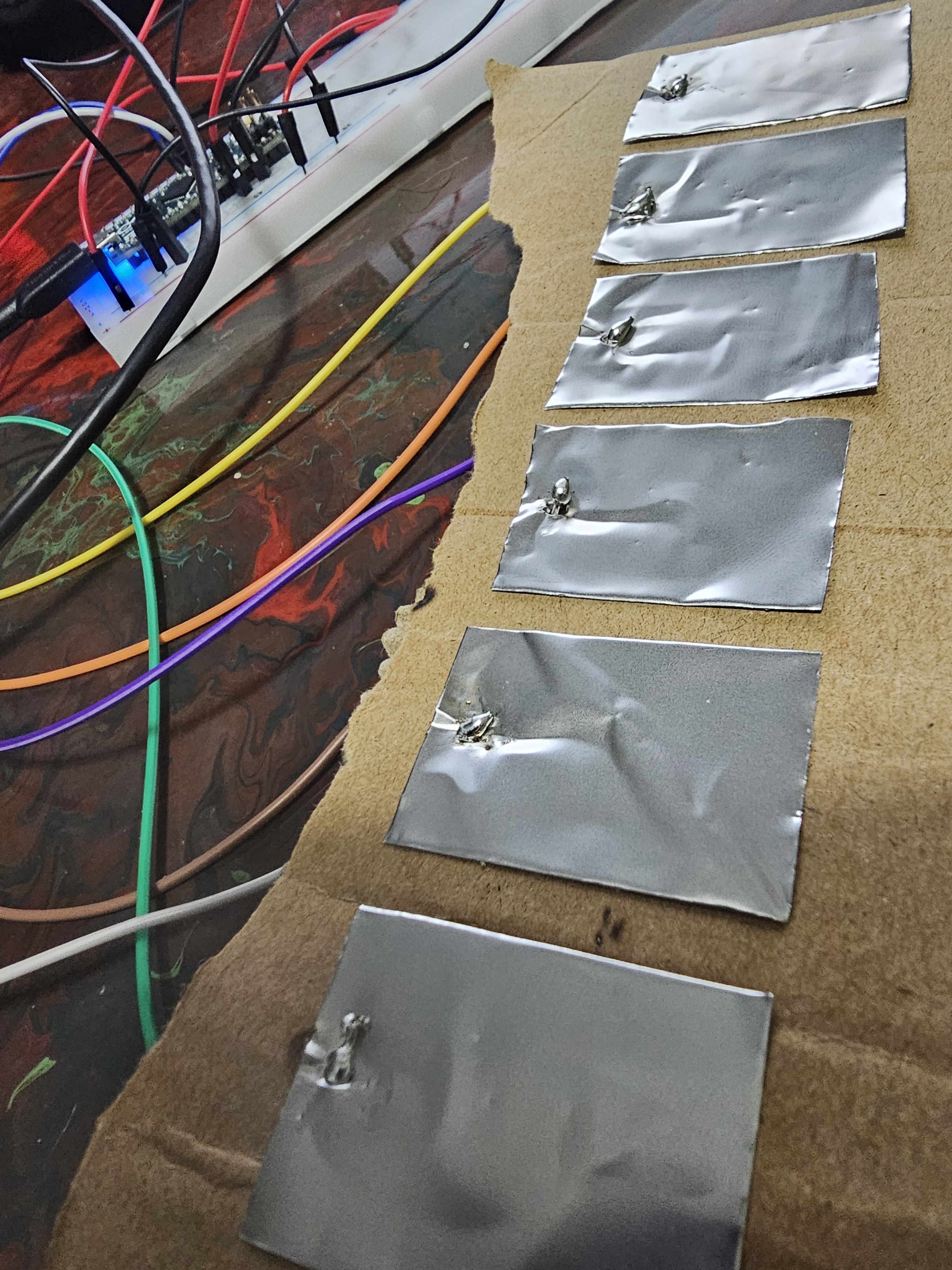
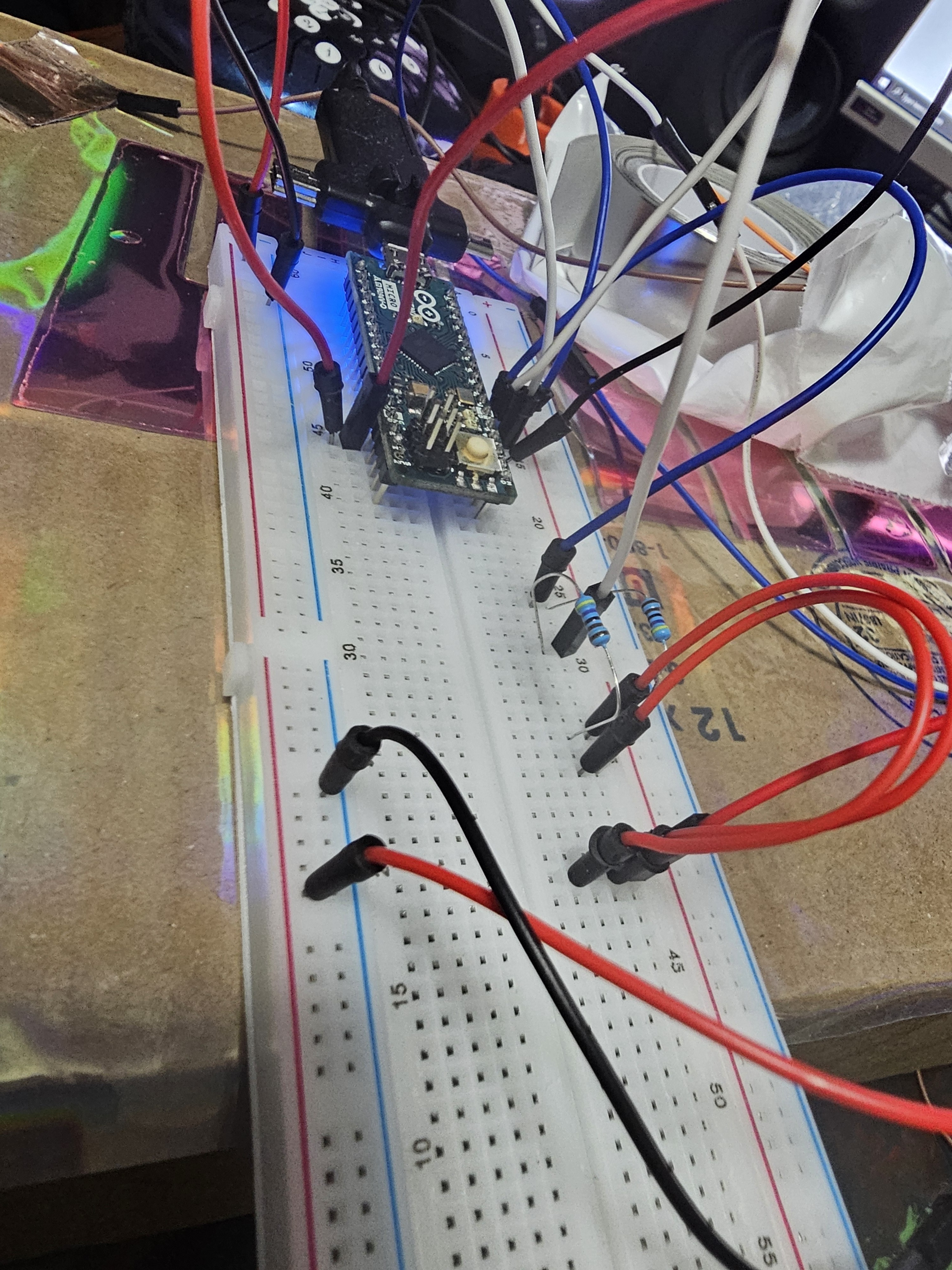
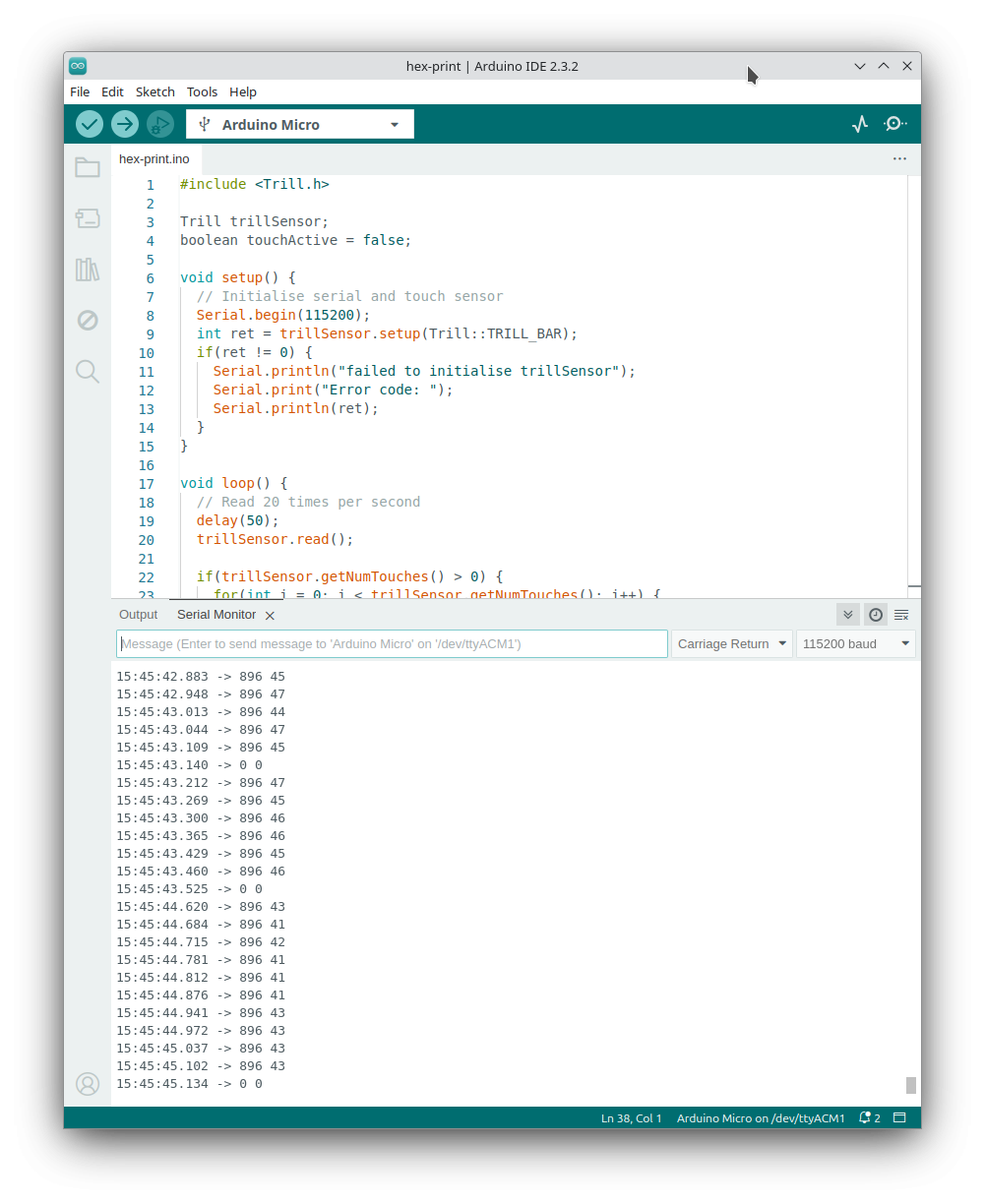
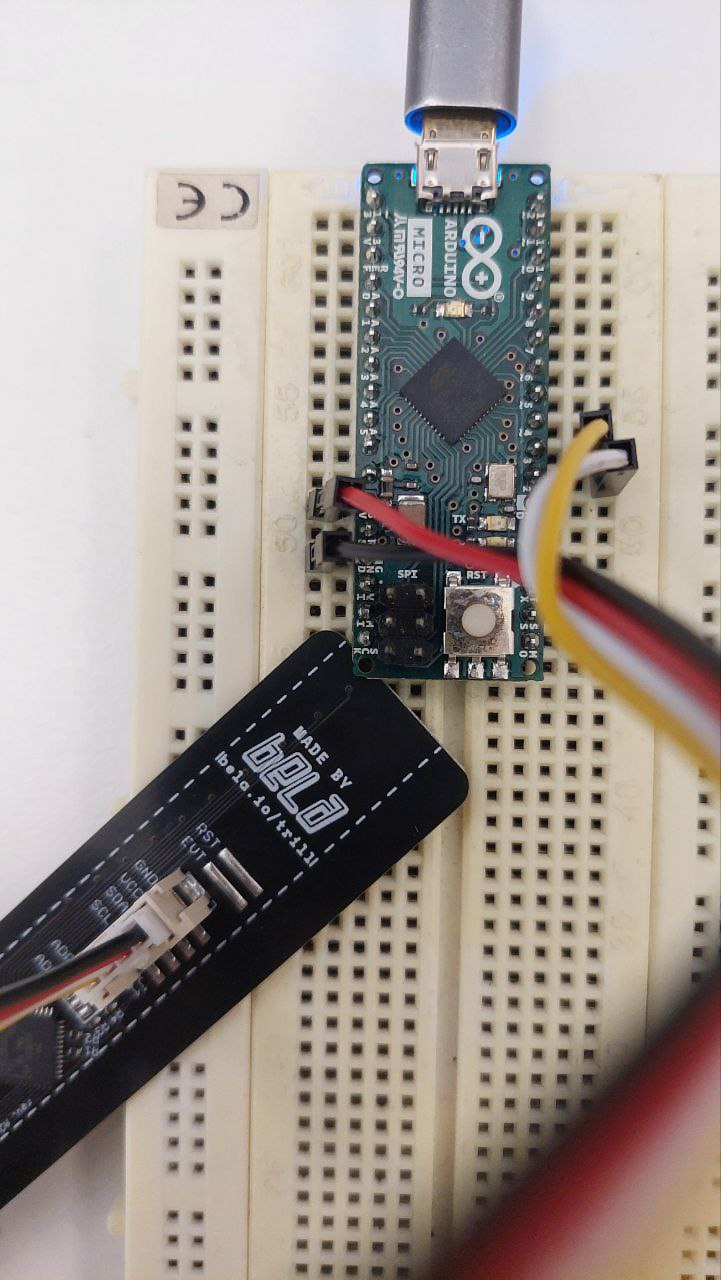
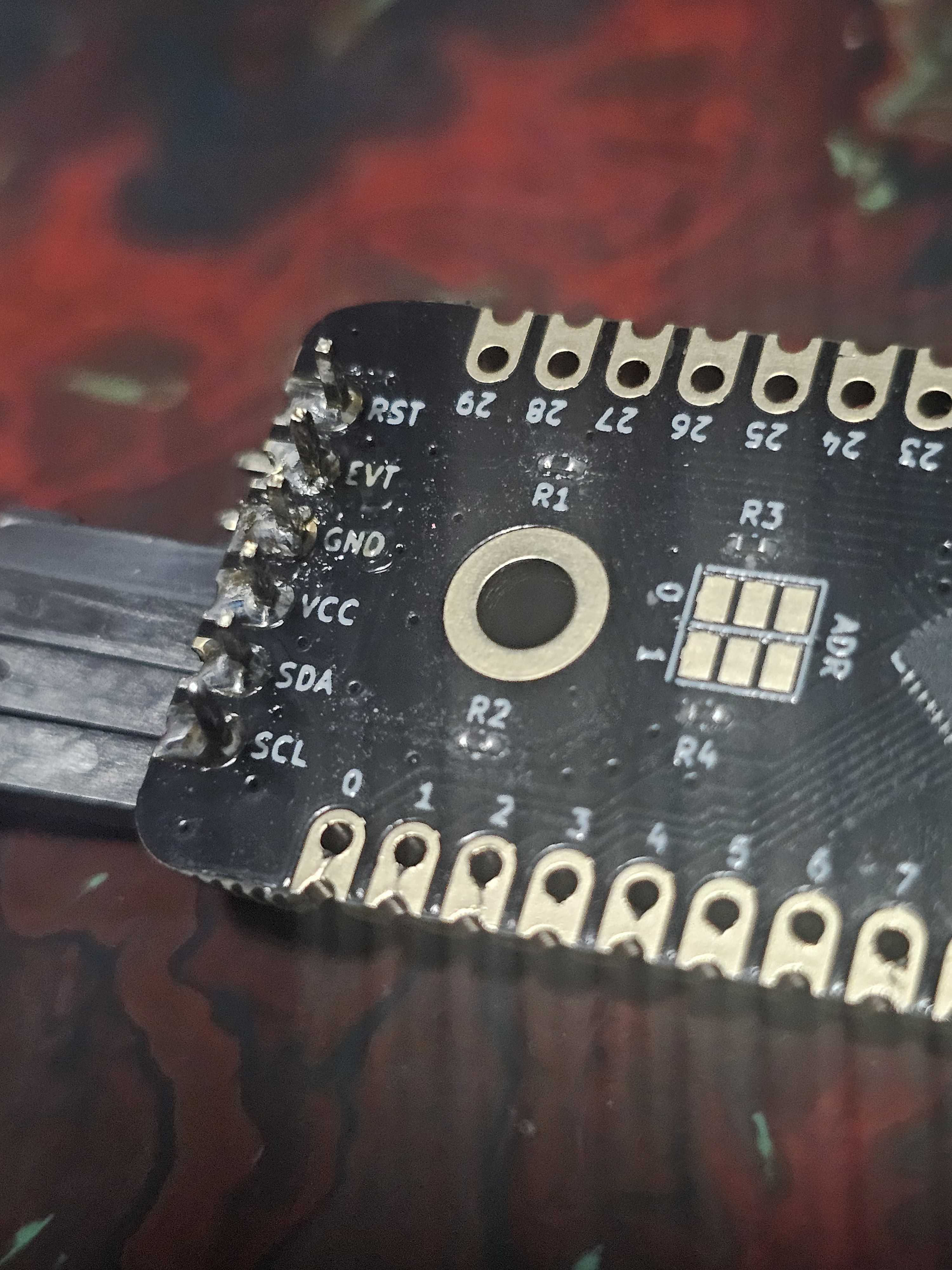
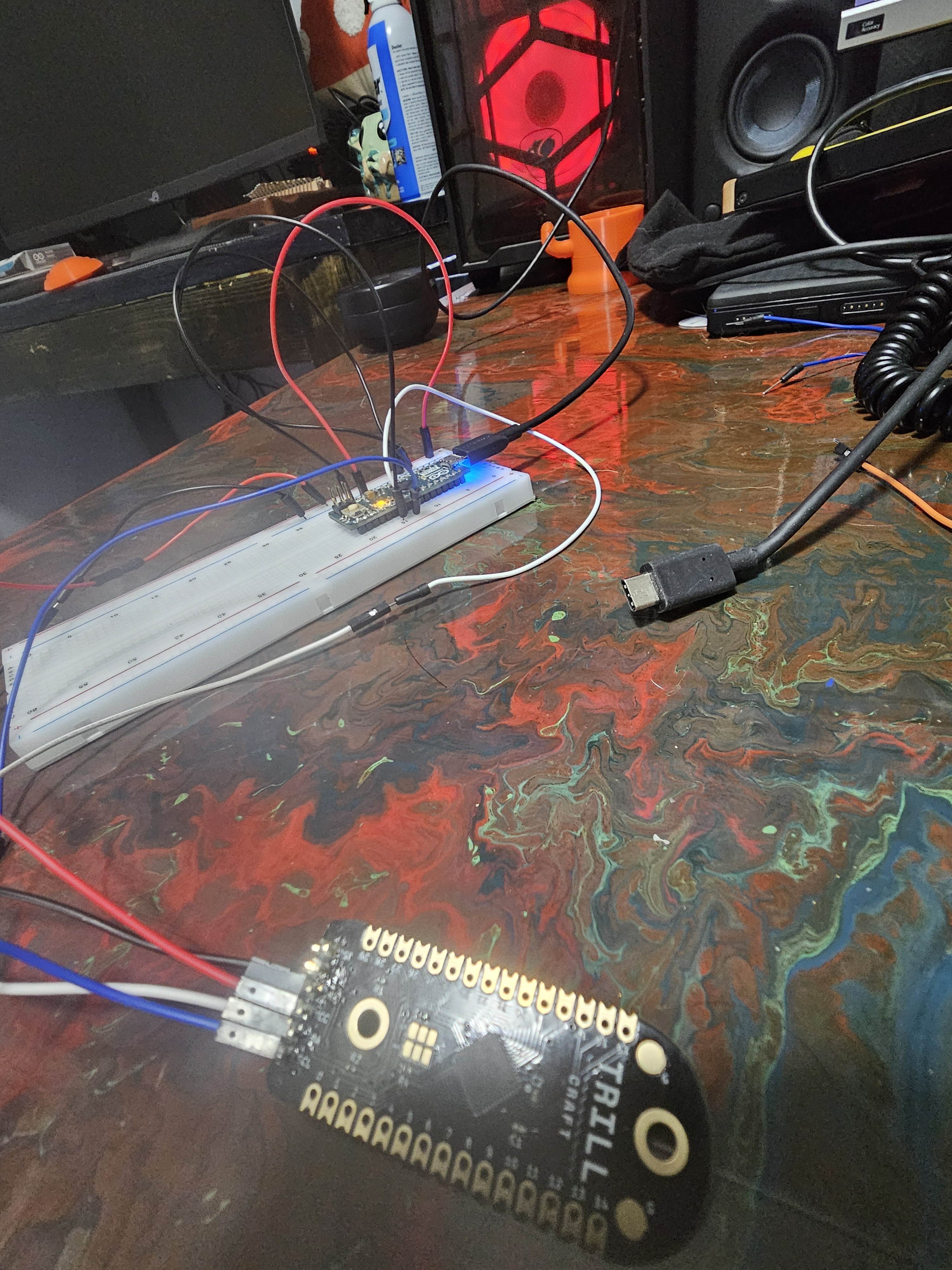
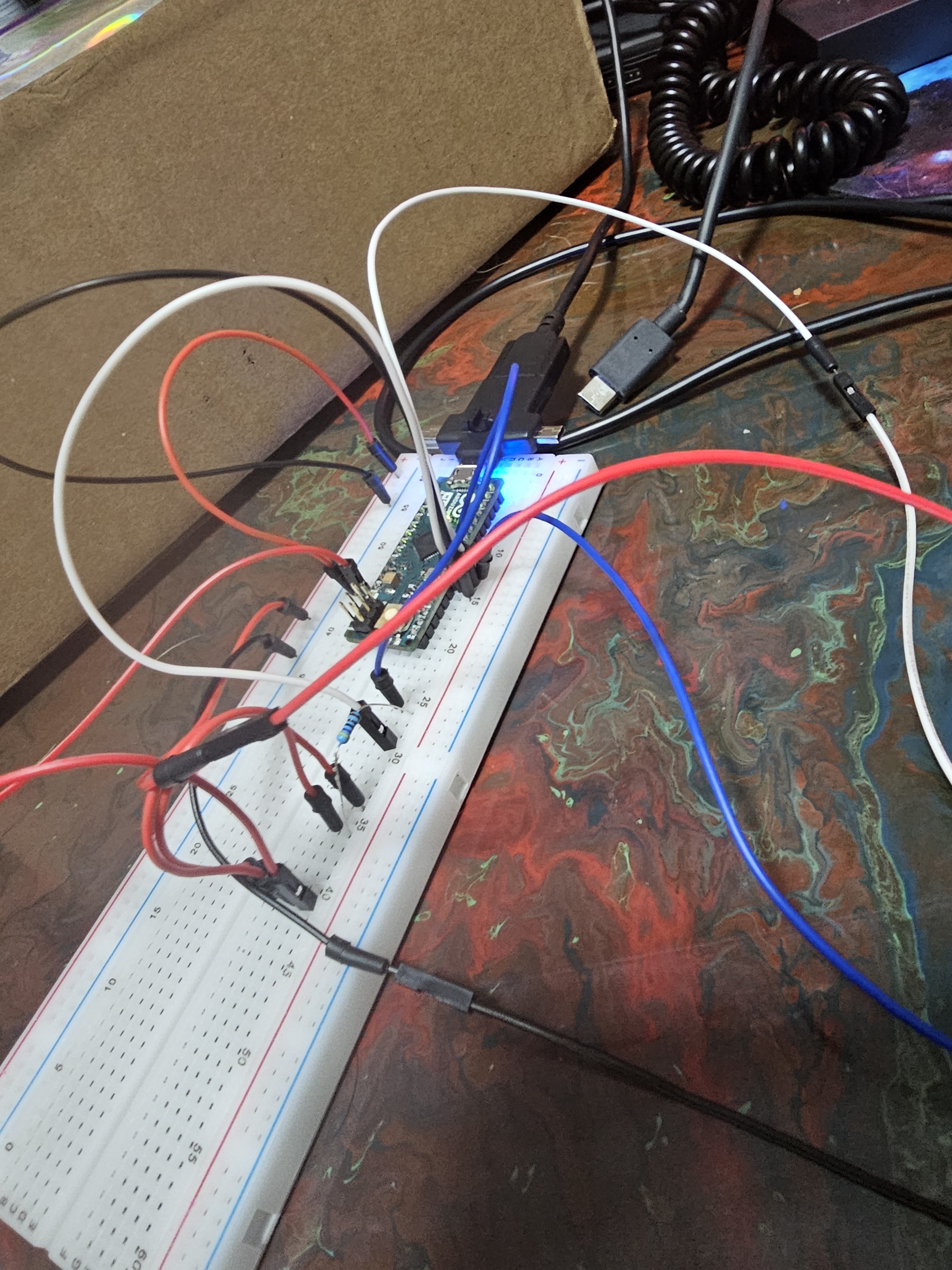
Ive checked continuity and voltage across these pads, I get a constant 4.96v on these pads, Im getting 5v at craft board, all wires are good, I soldered these to the craft board in hopes I can desolder later as this is mainly proof of concept. I also done a midiusb example which worked, (c note off and on every half second), did craft print which is effected by my new pads meaning it reads the different values, but combining code has unfortunately not worked out. Ive checked and both libraries and ide is up to date as well. Not really sure where to go from here lol, this is the new code I tried to have it run but it did not output midi. If theres some errors or suggestions, please let me know!
#include <Trill.h>
#include <MIDIUSB.h>
Trill trillSensor; // for Trill Craft
void noteOn(byte channel, byte pitch, byte velocity) {
midiEventPacket_t noteOn = {0x09, 0x90 | channel, pitch, velocity};
MidiUSB.sendMIDI(noteOn);
}
void noteOff(byte channel, byte pitch, byte velocity) {
midiEventPacket_t noteOff = {0x08, 0x80 | channel, pitch, velocity};
MidiUSB.sendMIDI(noteOff);
}
void setup() {
Serial.begin(115200);
int ret = trillSensor.setup(Trill::TRILL_CRAFT);
if(ret != 0) {
Serial.println("failed to initialise trillSensor");
Serial.print("Error code: ");
Serial.println(ret);
}
}
void loop() {
delay(100);
trillSensor.read();
for(unsigned int i = 0; i < trillSensor.getNumTouches(); i++) {
// Get the touch size (y)
float ySize = trillSensor.touchSize(i);
// Print the touch size
Serial.print("Touch #");
Serial.print(i);
Serial.print(": Size = ");
Serial.println(ySize);
// Send MIDI note
int note = 60 + i; // 60 is MIDI note number for Middle C
int velocity = ySize * 127;
if(velocity > 10) { // Set a fixed threshold
noteOn(0, note, velocity);
delay(100);
noteOff(0, note, velocity);
}
}
MidiUSB.flush();
}