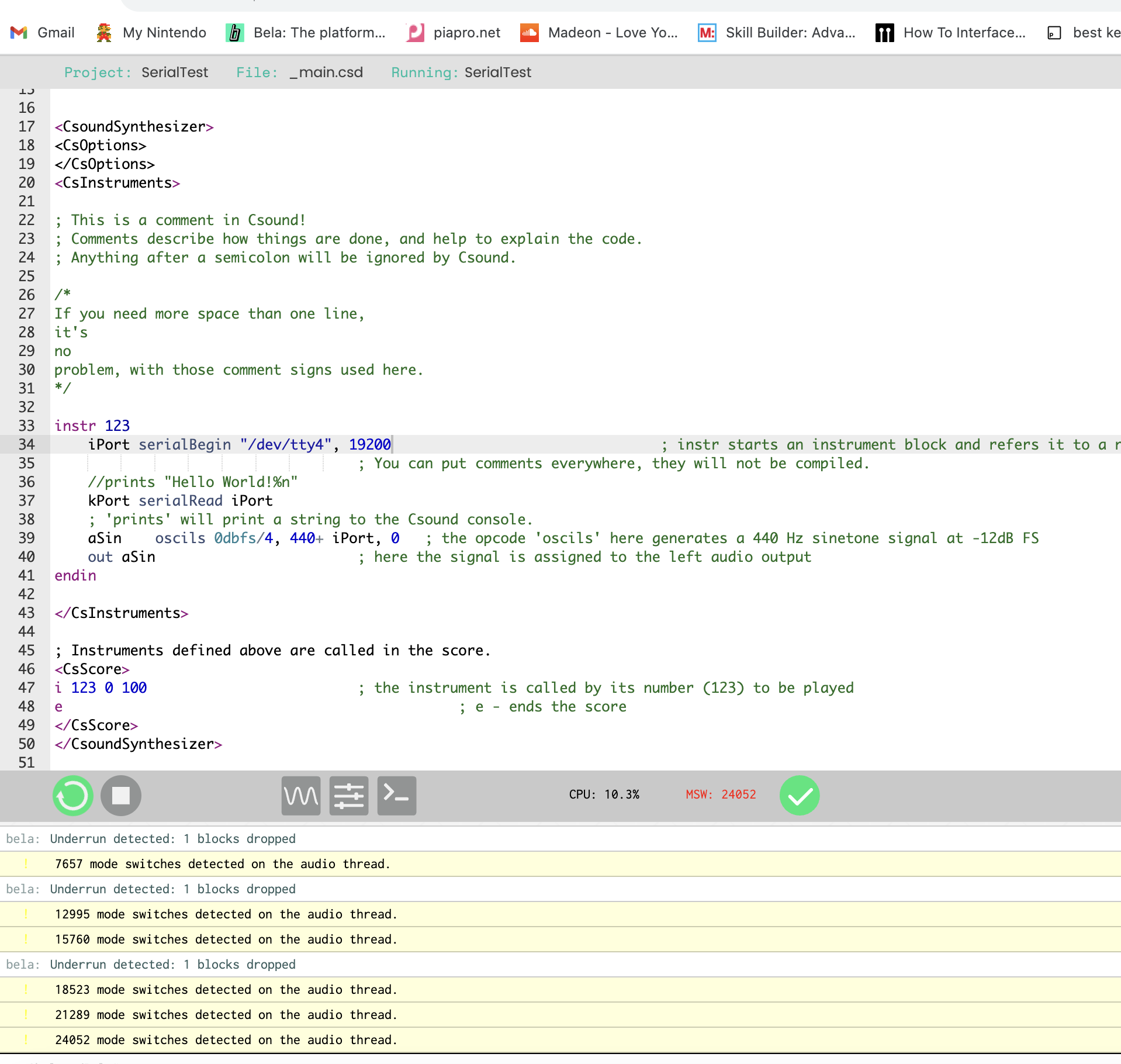
giuliomoro Hey Giulio, thank you for replying. One thing I wanan ask is that is the serial port on Bela should always be "/dev/tty4" regardless of the arduino port I am using? I am checking the arduinoRead opcode here [https://csound.com/manual/arduinoRead.html](https://) and it seems only reads integer from arduino. However, the sensor I am using in arduino is float number. I am trying to see how to make it work by modifying the arduino-Trill to Csound example here .
/*
____ _____ _ _
| __ )| ____| | / \
| _ \| _| | | / _ \
| |_) | |___| |___ / ___ \
|____/|_____|_____/_/ \_\
http://bela.io
\example bar-print
Trill Bar Print
===============
This is an example of how to communicate with the Trill Bar
sensor using the Trill Arduino library.
The sensor is set to Centroid mode and touch location and size
printed to the serial port for each of the 5 different simultaneous
touches.
The accompanying Processing sketch, `TrillBarDisplay.pde`, listens for
touch information on the Arduino serial port* and displays it in a
render of a Trill Bar.
*/
#include <Trill.h>
Trill trillSensor;
boolean touchActive = false;
// put_val( ) - a function to send data values to the Csound
// "arduinoRead" opcode
// The first argument of the put_val function "int senChan" sets
// the software channel number that Csound reads
// NOTE: "senChan" does "not" define the input pin that is used on
// the Arduino for a specific sensor
// The specific Arduino input pin used by any sensor is assigned
// and set elsewhere in the Arduino sketch and mapped to a
// user-defined put_val "senChan" channel
void put_val(int senChan, int senVal)
// Set the Csound receive channel "senChan", and read from
// the sensor data stream "senVal"
{ // The packing of the data is sssssvvv 0vvvvvvv where s is a
// senChan bit, v a senVal bit and 0 is zero bit, high byte first
int low = senVal&0x7f;
int hi = ((senVal>>7)&0x7) | ((senChan&0x1f)<<3);
Serial.write(low); Serial.write(hi);
}
void setup() {
// Initialise serial and touch sensor
Serial.begin(115200);
int ret = trillSensor.setup(Trill::TRILL_BAR);
if(ret != 0) {
Serial.println("failed to initialise trillSensor");
Serial.print("Error code: ");
Serial.println(ret);
}
}
void loop() {
// Read 20 times per second
delay(50);
trillSensor.read();
if(trillSensor.getNumTouches() > 0) {
for(int i = 0; i < trillSensor.getNumTouches(); i++) {
int Val1 = trillSensor.touchLocation(i);
put_val(1,Val1); // Val1 is assigned to Csound arduinoRead Channel 1
int Val2 = trillSensor.touchSize(i);
put_val(2,Val2); // Val2 is assigned to Csound arduinoRead Channel 2
}
touchActive = true;
put_val(3,1);
}
else if(touchActive) {
touchActive = false;
put_val(3,0);
}
Serial.write(0xf8); // Synchronization Byte - (essential!) marks beginning of new serial frame
}